

Instant Sell
R$ BRL

Trade the best skins

CS.MONEY helps you manage your Steam inventory flexibly: from trading to selling
ak-47
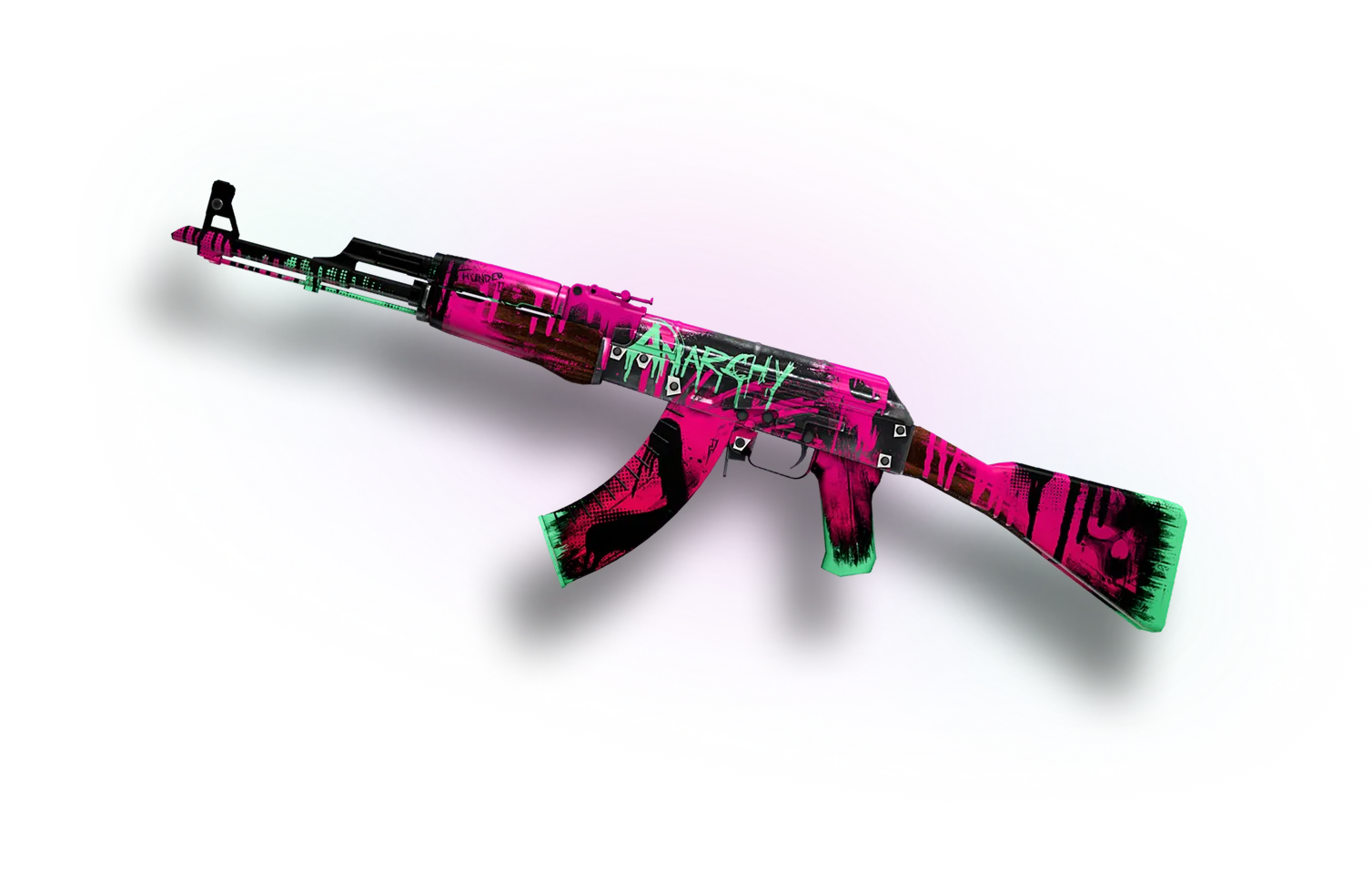
AK-47Neon Revolution
pointer-ak-47
karambit
pointer-karambit
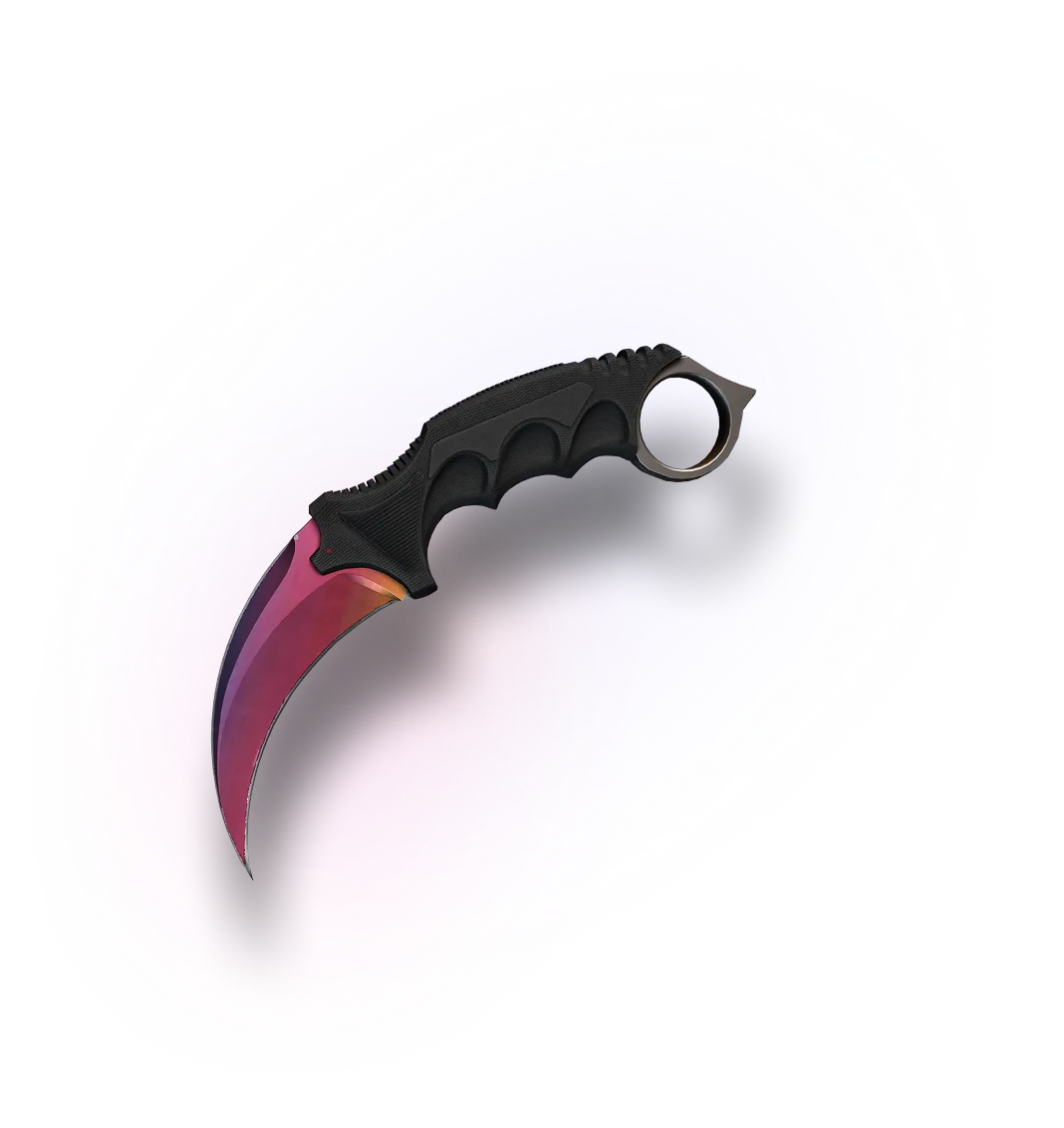
KarambitFade
80KCS2 items on our site
30 secrequired after signing in to trade or buy
24/7online support, with replies in about 5 minutes

Find your perfect skins

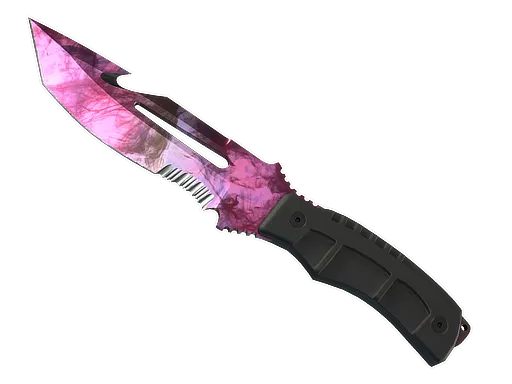
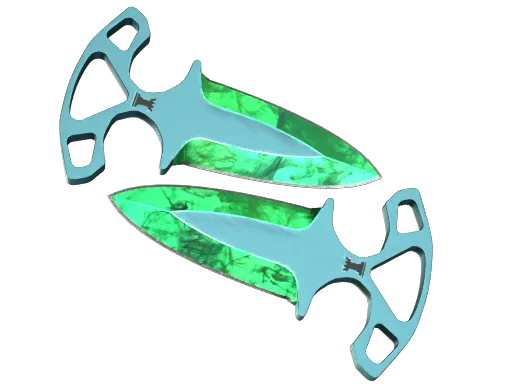
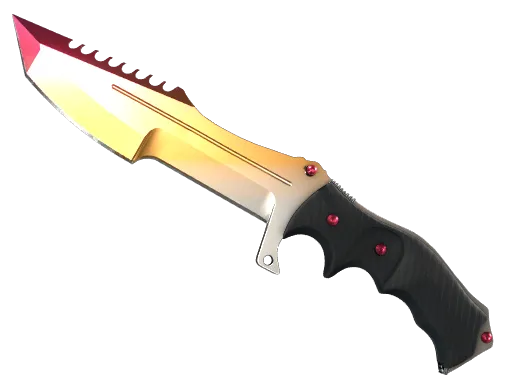
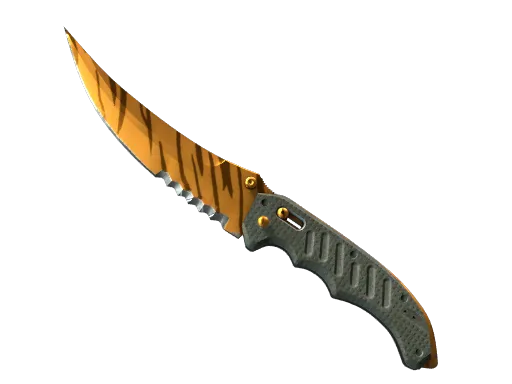
Knives up to $300
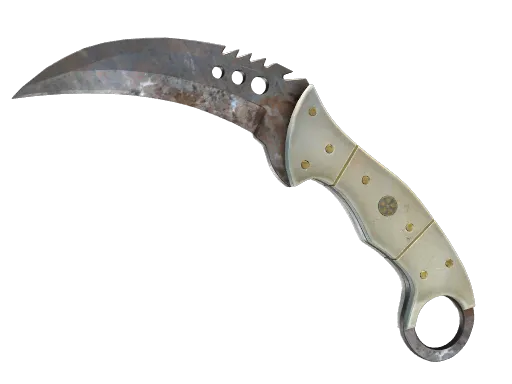
Rust Coat
Rust Coat
from
R$ 1 531.63
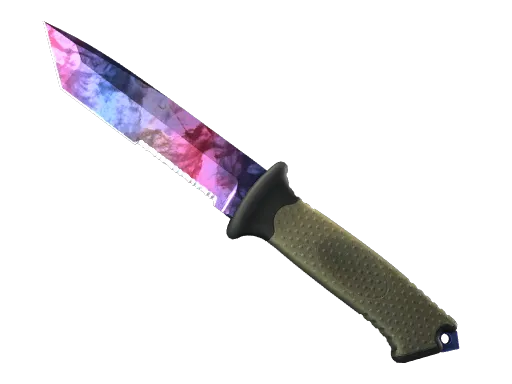
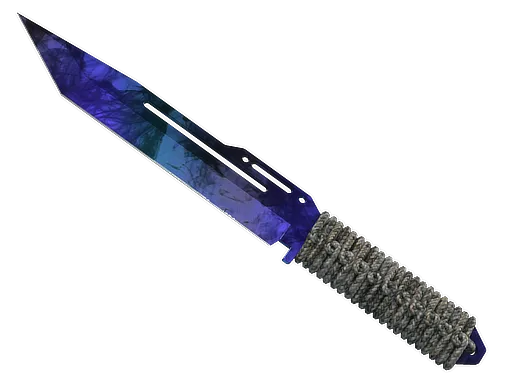
Doppler Phase 3
Doppler Phase 3
from
R$ 1 511.62
Doppler Phase 2
Doppler Phase 2
from
R$ 1 500.37
Slaughter
Slaughter
from
R$ 1 497.90
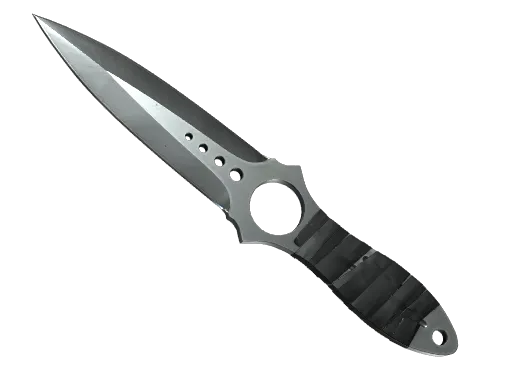
★ Skeleton Knife
★ Skeleton Knife
from
R$ 1 489.29
Gamma Doppler Phase 2
from
R$ 1 480.67
Doppler Phase 3
Doppler Phase 3
from
R$ 1 475.98
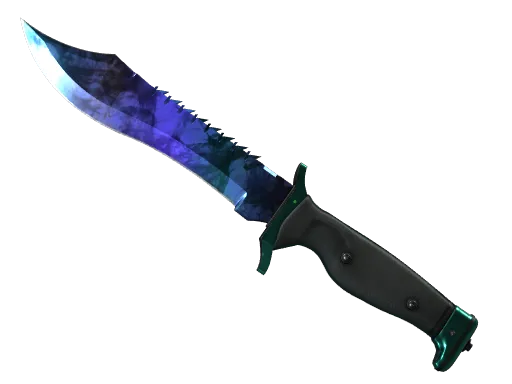
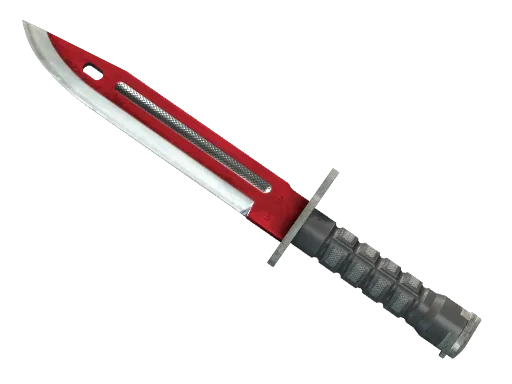
★ Bayonet
★ Bayonet
from
R$ 1 472.94
Marble Fade
Marble Fade
from
R$ 1 459.94
Gamma Doppler Phase 3
from
R$ 1 431.98
Doppler Phase 1
Doppler Phase 1
from
R$ 1 431.42
Gamma Doppler Phase 1
from
R$ 1 421.57
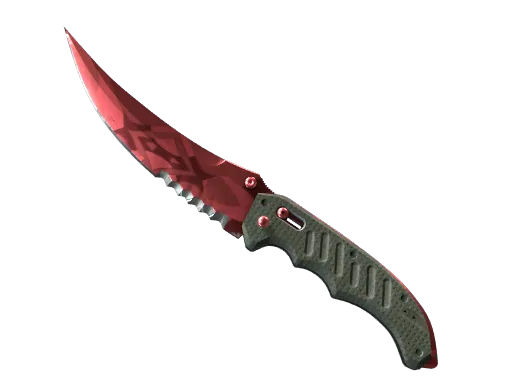
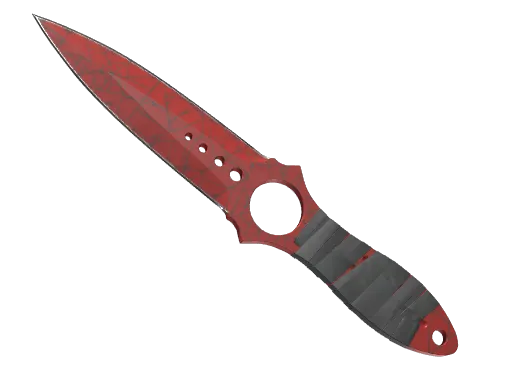
Crimson Web
Crimson Web
from
R$ 1 415.89
Gamma Doppler Phase 1
from
R$ 1 412.08
Gamma Doppler Phase 4
from
R$ 1 406.81
Night Stripe
Night Stripe
from
R$ 1 404.70
Gamma Doppler Phase 3
from
R$ 1 387.11
Autotronic
Autotronic
from
R$ 1 385.87
Doppler Phase 4
Doppler Phase 4
from
R$ 1 384.95
Slaughter
Slaughter
from
R$ 1 377.11
Gamma Doppler Phase 4
from
R$ 1 374.37
Doppler Phase 2
Doppler Phase 2
from
R$ 1 341.72
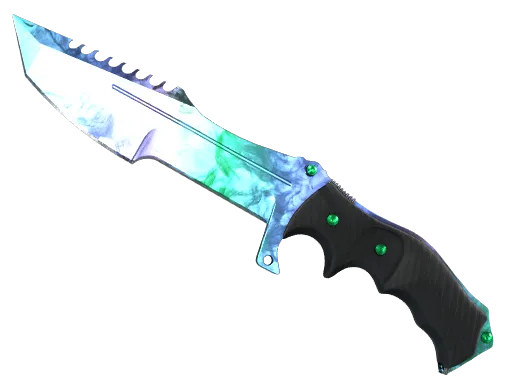
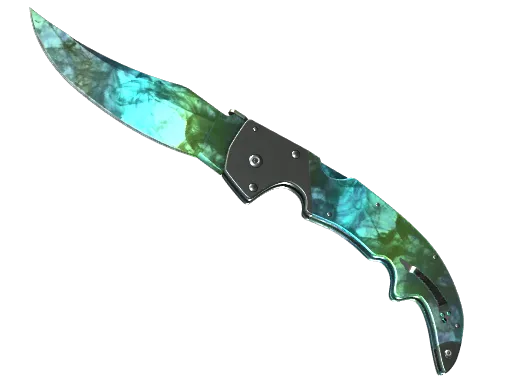
Gamma Doppler Emerald
from
R$ 1 328.06
Fade
Fade
from
R$ 1 322.90
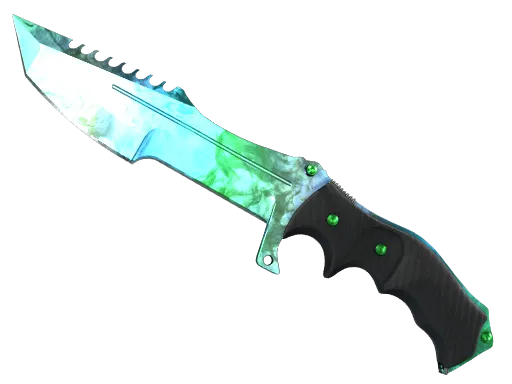
Tiger Tooth
Tiger Tooth
from
R$ 1 317.48
Doppler Phase 3
Doppler Phase 3
from
R$ 1 285.76
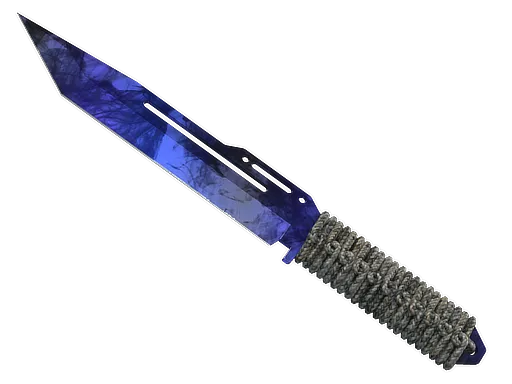
Doppler Sapphire
Doppler Sapphire
from
R$ 1 279.68
Fade
Fade
from
R$ 1 266.68
Live support 24/7
We know the game and the site. We will help fast.
AvaMarkus DelrowMichael SyfersFrank BaroudSeal
Find your perfect skins

FAQ

Is CS.MONEY safe and reliable?
Yes. CS.MONEY has been operating since 2016, and millions of users have used the platform over that time. CS.MONEY is one of the best sites for users who care about safe skin trading and protected deals. If you are concerned about signing in through Steam, remember that CS2 skin operations are handled through Steam. Your data is used only for trading purposes and is protected. Always make sure you are opening the real CS.MONEY page and avoid suspicious pages that may try to steal login credentials. CS.MONEY has an Excellent rating on Trustpilot, where many users call it one of the best CS2 skin trading sites. They highlight the large skin selection, good prices, and low commissions. This makes CS.MONEY a reliable option for users who want to trade, buy, or sell CS2 skins.
Why choose CS.MONEY for CS2 skin trading?
There are many trading sites today, but not all of them are equally useful for players. CS.MONEY stands out as one of the best sites for CS2 skin trading. Here is why: - Large inventory: CS.MONEY has more than 1,000,000 skins, so you can always find something that fits your taste. - Wide selection: the platform offers CS2 items for every weapon type, plus stickers, charms, and other items. - Safe trades: deals on CS.MONEY are protected, so you can trade with confidence. - Good prices: you can buy CS2 skins at low prices or trade your skins for more valuable items. - Low commissions: CS.MONEY keeps skin-trading fees low and has no balance top-up fee in Trade mode. - Cashout and Instant Sell features on the Market help users withdraw money or sell skins instantly. CS.MONEY can become your favorite CS2 skin trading site. Try it and see the advantages for yourself.
What payment and cashout methods are available?
The site supports several convenient balance top-up and cashout methods. For deposits, users can choose available card and local payment options depending on their region. Market cashout availability depends on the user country and supported payment methods.
How do I trade my CS2 skins for new ones?
Trading is simple and fast: 1. Sign in to your CS.MONEY account and choose Trade mode. 2. Add the items you want to trade from your inventory on the left. 3. Pick the items you want from the bot inventory on the right. 4. Click Trade and accept the Steam trade offer. 5. Done. Enjoy playing with your new skins. Make sure your Steam profile and inventory are public and that your account has no trade restrictions.
How do I buy skins?
Buying skins takes only a few clicks: 1. Sign in to your CS.MONEY account and choose the right mode. 2. Find the items you want and add them to the cart. 3. In Market mode, click Buy; in Trade mode, click Trade. 4. Pay with a convenient method. 5. Accept the Steam trade offer and enjoy your new skins. If you have questions, support can help you choose a skin for your taste and budget.
How do I sell skins?
Selling on CS.MONEY happens in Market mode. To sell a skin at your own price with a low commission: 1. Sign in to your CS.MONEY account and open Market, then Sell. 2. Choose an item and set your price. 3. Click List for sale and use the confirmation extension when required. 4. Wait for a buyer, create the deal, and accept the Steam trade. 5. After the Steam protection period, confirm the deal and receive the funds. Once the buyer accepts the trade, the funds are credited to your balance after the Steam trade protection period. You can then spend them on new items or cash out where supported.
How do I sell skins fast without waiting for a buyer?
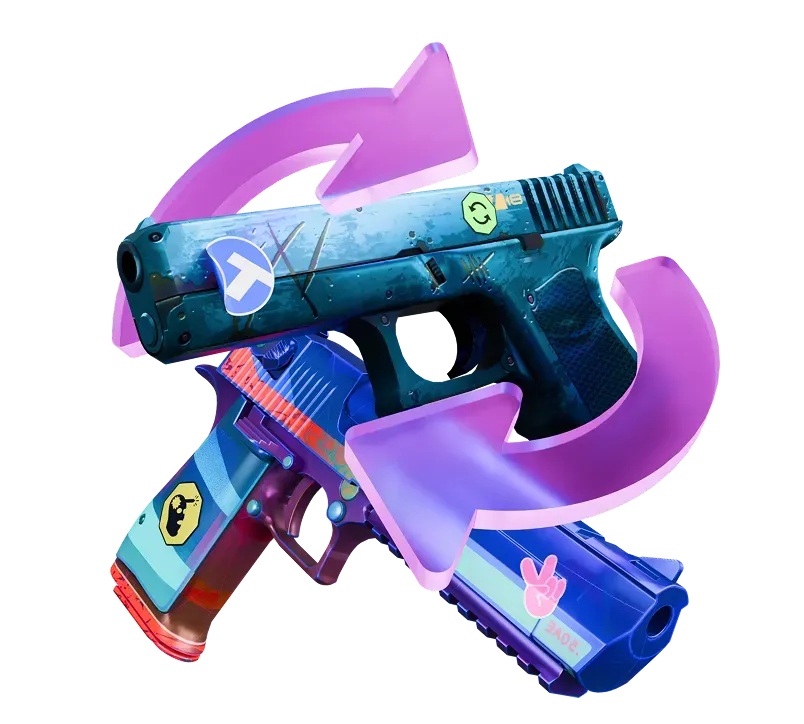
Some skins on CS.MONEY can be sold instantly without waiting for a buyer. To sell skins quickly: 1. Sign in to your CS.MONEY account, open Market, and go to Instant Sell. 2. Choose an item available for instant sale. 3. Click Instant Sell. 4. Accept the Steam trade offer, and the Instant Buy balance is credited. That balance can be used right away for skins with fast delivery. After the Steam protection period, it becomes Market balance that can be spent on any skins or cashed out where supported.
How do I cash out?
Cashout is available after Instant Sell and regular P2P Market sales where supported. To withdraw: 1. Open Cashout and complete KYC verification if required. 2. Enter the amount and supported payment details. 3. Click Withdraw and wait for the funds to arrive. KYC means Know Your Customer, a verification procedure used to improve payment security.
How do I use CS.MONEY balance?
CS.MONEY has two modes with separate balances. In Trade mode, you can use your balance to buy skins or trade your skins for other items with an additional payment. In Market mode, balance can be spent on items or withdrawn through supported cashout methods.
Are there trading fees?
Yes, as on other marketplaces. In Trade mode, the commission is included in item prices, so there are no extra costs when trading items of equal value. In Market mode, the commission applies to sales: 5% for items below $1,000 and 3% for items from $1,000 and above.
Can I withdraw money from my Steam wallet?
CS.MONEY can help with that scenario. Buy a CS2 item on the Steam Community Market, wait until the trade lock ends, then open CS.MONEY Market and sell the item through Instant Sell or a regular listing. After the sale, use the Cashout page where supported. Because of Steam trade protection, sale balance can become available only after the protection period. Cashout is not available in every country.

About CS.MONEY

General information

CS.MONEY is one of the best-known sites for trading, buying, and selling CS2 skins. When players talk about skins, many remember CS.MONEY first because of the brand recognition and long track record. The platform was one of the earliest trading services: CS.MONEY launched in 2016 and changed the way Counter-Strike items are traded.

CS.MONEY is known for a simple, intuitive interface that makes skin trading fast and comfortable. Competitive buying and selling prices help the site remain one of the leading trading platforms.

CS.MONEY has two main modes: Trade and Market. Trade mode is fast and convenient thanks to bot-based trading, while Market mode follows a P2P model and offers low prices for buyers and favorable conditions for sellers.

Trade mode

Trade mode features:

  • Trade your items for new skins without waiting.
  • Instant exchanges through CS.MONEY bots help keep transactions fast and reliable.
  • Multiple payment methods are available, including bank cards, crypto, and local payment methods in supported regions.

Market mode

Market mode features:

  • Huge skin selection: more than 1,000,000 available items, including skins with fast delivery.
  • Big discounts up to -30%, -40%, -50%, and more.
  • Cashout support.
  • Instant Sell lets you sell skins for real money without waiting for a buyer.

Security

CS.MONEY is built as a secure platform. Your data and inventory are protected on the site. Remember that you are responsible for your skin security outside CS.MONEY too. Avoid suspicious resources and keep the correct CS.MONEY page bookmarked so you always know where you are.

Community

CS.MONEY has a large community across social channels, including Discord, where users can find teammates or discuss the game. The site has an Excellent Trustpilot rating based on many positive five-star reviews. Many users recommend CS.MONEY and call it their favorite CS2 skin trading platform.

CS Virtual Trade Ltd., reg. no. HE 389299. Registered and business address: 705, Spyrou Araouzou & Koumantarias, Fayza House, 3036, Limassol, Cyprus

G2G Marketplace Limited, reg.no. 3064044. Registered and business address: 8F, 30 Hollywood Road, Central, Hong Kong

Copyright © 2026 CS.MONEY. All rights reserved.